Support
Most questions are best answered by the community. Here's where to go, and what to expect from the author directly.
Start with the forum
The TunerPro forum is the primary place for help, including vehicle-specific tuning questions, definitions, plug-ins, and general troubleshooting. Odds are good someone's already answered your question there.
Built by one developer, since 2003
TunerPro started as a hobby project in March 2003 and has grown into hundreds of thousands of lines of C++ over the years. It's still maintained by a single developer as a hobby, funded by registrations and donations.
That's the context for everything on this page: support directly from the author is limited, which is exactly why the community forum and vehicle-specific sites are the best place to start.
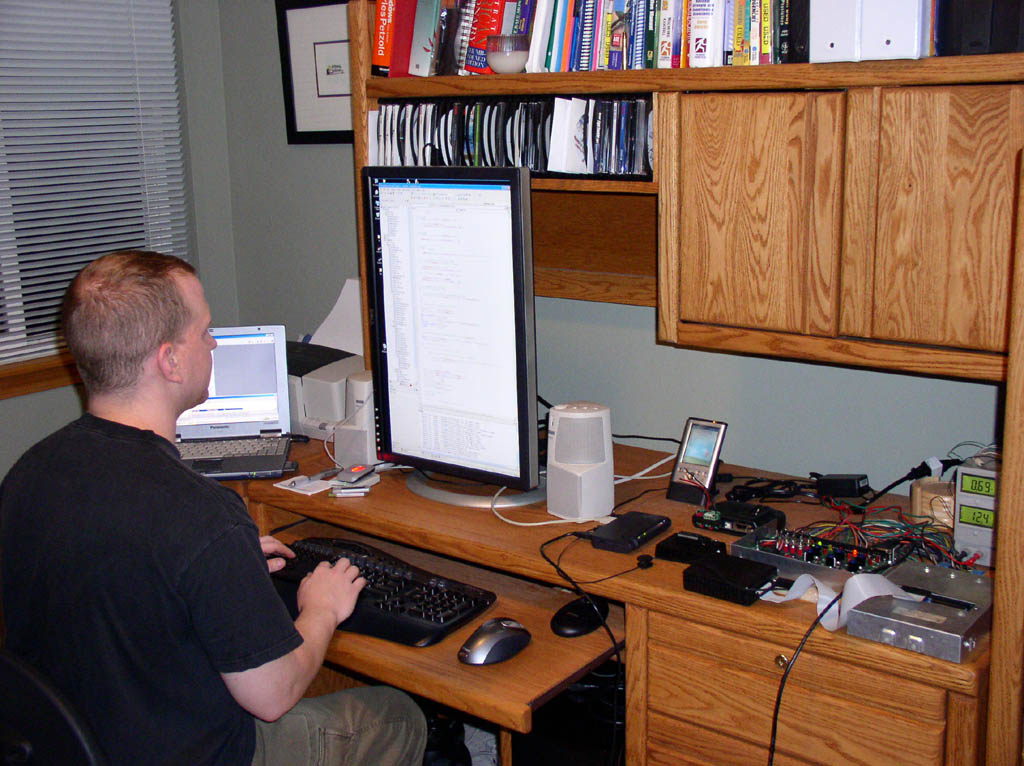
What I can (and can't) help with
I'm not a tuner myself, so I can't help with tuning questions for your specific vehicle. The forums and vehicle-specific communities (like thirdgen.org and others linked on the Links & Resources page) are much better equipped for that than I am.
If you run into a bug, a crash, or something in TunerPro itself that doesn't work the way it should, I'm happy to hear about it, just please be patient given the one-person nature of this project, described above.
Other resources
TunerPro Facebook Group
Ask questions and get answers from tuning experts and experienced TunerPro users on Facebook.
Definitions
Bin/datastream definitions are community-sourced. See the disclaimer and browse by manufacturer.
Links & Resources
Hardware vendors, other tuning software, and general DIY-tuning sites.
FAQ
Registration
I haven't received my registration. What should I do?
Sometimes it can take 24 hours for your key file to be emailed to you, though it's generally within ten minutes or so. Check your junk folder, as emails with attachments often end up there (nearly 100% of the time for Gmail). If you feel like you've waited and you're certain that the email is not in your junk folder, please email me.
Does registering unlock any functionality?
No. It only removes the 10-second timeout window when you first launch TunerPro RT. TunerPro RT is completely free to use indefinitely, and without feature limitation. Please ensure TunerPro meets your needs before paying. Registering supports the project.
Vehicles Supported
Does TunerPro work with my vehicle?
TunerPro depends on definition files — the XDF file for tuning, and the ADX file for data acquisition (e.g. OBD/CAN) — to enable you to work with your vehicle. Those definition files come from the tuning community. The answer to this question, therefore, depends on whether the tuning community has created the necessary definition files that work with your vehicle. You will need to look around the Internet for these definition files. Generally, vehicle-specific tuning forums are a great place to start this search.
There are three main categories of tuning functionality: calibration editing, data acquisition and logging, and reading/writing the calibration to the vehicle. Calibration editing is at the core of TunerPro's functionality, and requires a vehicle-specific XDF file that translates the calibration file into items that you can view and change. Data acquisition requires interface hardware as well as a vehicle-specific ADX file that tells TunerPro what commands to send and how to parse the reply. Logging may also require a plug-in file that implements the communication protocol for sending and receiving data with the vehicle. Reading and writing the calibration is generally done outside of TunerPro with other software, with some exceptions. Some old vehicles (older than 1995) might have EPROM or EEPROM chips that require specific chip programmers to write the calibration. TunerPro natively supports the Moates BURN2 for this purpose, though this does not cover all possibilities. Other vehicles enable calibration read/write through the diagnostic port — Buell motorcycles as an example. TunerPro includes a plug-in that enables native reading and writing of calibration data directly to Buell motorcycles. Finally, some vehicles work with third-party hardware, called “emulators”, that replace the on-board memory and enable rapid “real-time” tuning. TunerPro works natively with many (but not all) of these devices. More emulators and related hardware can be enabled with third-party plug-ins.
Where can I find definition files and plug-ins for my vehicle?
I do not create nor collect vehicle definition files or plug-ins. Vehicle-specific XDF, ADX, and plug-in files can be sourced on the Internet. They can often be found on vehicle-specific tuning forums and websites, as well as from some vendors who sell definition files for a wide variety of vehicles. Hardware plug-ins are generally provided by the hardware manufacturer. Checksum plug-ins can be found in vehicle-specific forums and on GitHub. The definitions on the TunerPro site (see Definitions) are intended as examples to get you started. In most cases, updated and more complete versions can be found on other websites (see Links & Resources).
Hardware (TunerPro RT)
TunerPro doesn't detect my hardware
Automatic hardware detection works with emulation and chip burning hardware. OBD interfaces are not automatically detected at startup or when hitting the “Initialize Emulation Hardware” button in the toolbar. If you're attempting to connect to OBD data with an ELM327-based interface, you might need to first press the connection button on your OBD interface in order for TunerPro to communicate through the interface. After linking the interface to your PC via bluetooth, OBDLink interfaces, for example, require that the blue LED be flashing quickly before TunerPro can communicate. This is generally accomplished with a single tap of the connect button. If your hardware requires a 3rd-party plug-in for communication, ensure that the plug-in is selected in TunerPro preferences in the Data Acq./Emulation tab, and that the settings for the plug-in are correctly configured for your hardware. Contact your hardware vendor for further support.
Contact
To email the author directly, click this link: