Free tuning software for the DIY automotive community.
TunerPro is Windows software for editing ECU calibration bins with modern features including 2D/3D graphing, table editors, comparison tools, and a plug-in architecture for extensibility. TunerPro RT adds real-time datalogging, emulation, and PROM burning. TunerPro is free to use forever, with an optional registration to remove the startup delay.
Latest news
TunerPro 6 is here
This release includes 50+ community requested features and improvements including window docking, a brand new hex editor, dark mode, multi-port logging, significant performance improvements, new importers, new dashboard gauges, and so much more. As always, this will continue to be a work in progress. Much of the code was touched, so please have patience with issues. Send me the issues you find and I'll get things fixed up. I highly recommend you back up your definitions and bin files before using TunerPro V6. TunerPro V6 will install alongside TunerPro V5, so you can continue to use V5 if you need to. However, definitions modified in V6 will not open in earlier versions of TunerPro if you use new XDF or ADX features in your definitions.
Release notes and the full version history live on the Downloads page.
With this release comes a bump in the requested fee for TunerPro RT, from USD $39 to $47. This is something that I thought long about. I strive to keep this project accessible. Please remember that TunerPro RT is free to use fully featured without registering. I haven't changed the requested fee since 2009 (from USD $30 to $39), and so much has changed in that time, not least of which is the cost of the hardware, software tooling, and hosting fees that I need to maintain the project. Registering includes both a v5 key and a v6 key while you and I work together to iron out any v6 bumps that might require you to continue to use v5.
Looking for translators
TunerPro version 6 includes support for multiple languages, and I'm looking for volunteers to help with translations. See "README_TRANSLATORS.txt" in the "lang" folder in the TunerPro installation directory for info on how to translate. French is in progress already. To avoid duplicated effort, send me a note if you'd like to help!
Welcome to the new TunerPro website!
With the launch of TunerPro V6, I've begun a redesign to the TunerPro website. It was time for a change, and as with everything else, this is an experiment and work in progress.
Core features (Free & RT)
Click any screenshot for a full-size view.
Bin editing
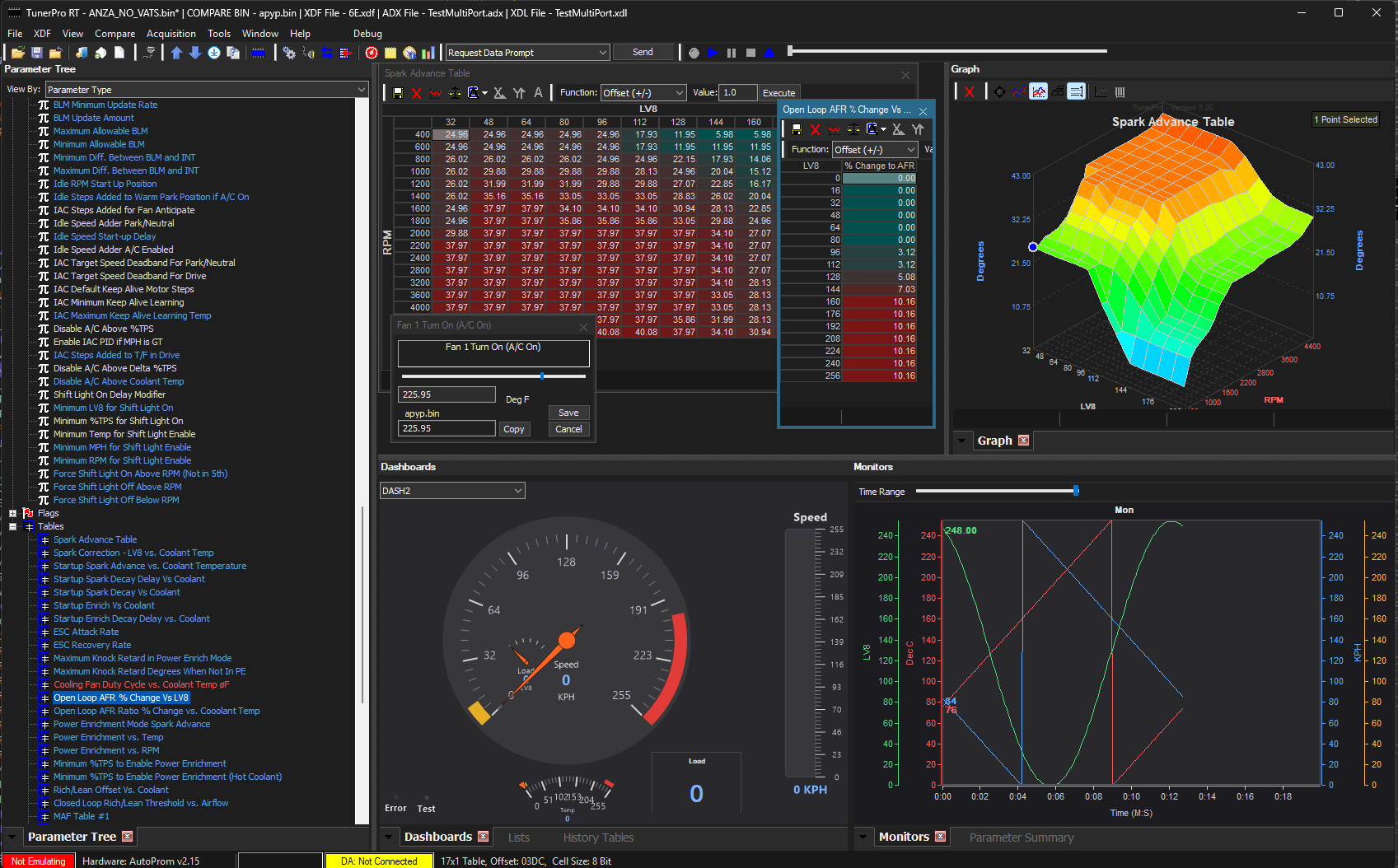
Open, edit, and save ECU calibration bins against XDF definitions, with full undo/redo.
2D & 3D graphing
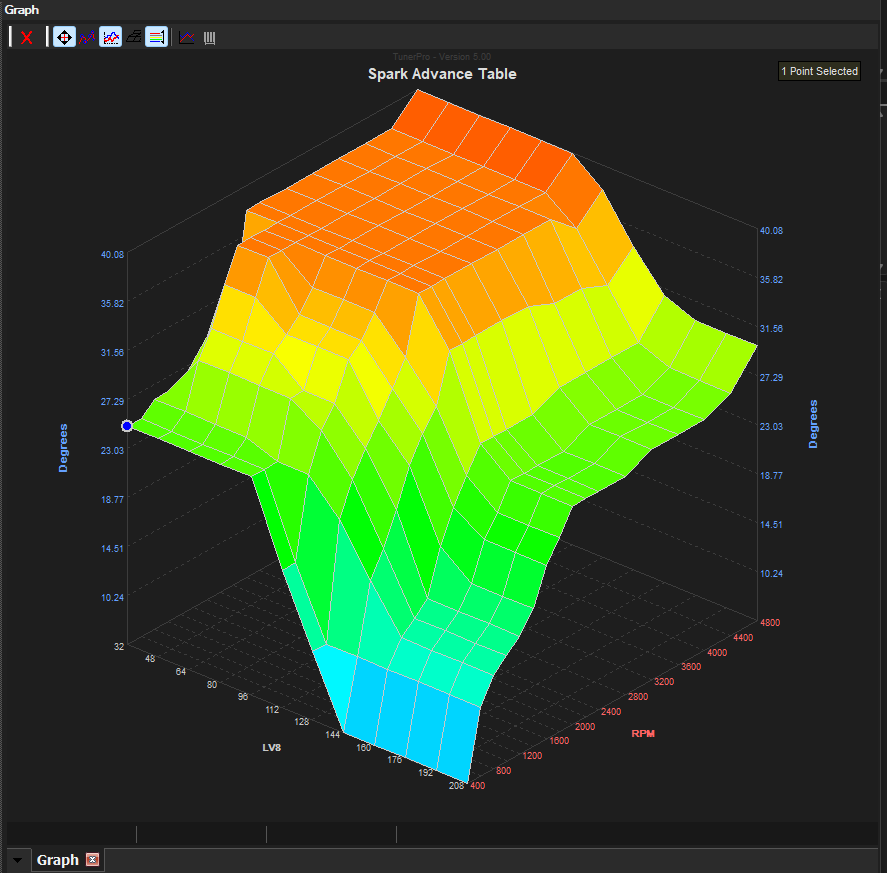
Edit tables directly on interactive 2D and 3D graphs instead of raw grids.
Math engine
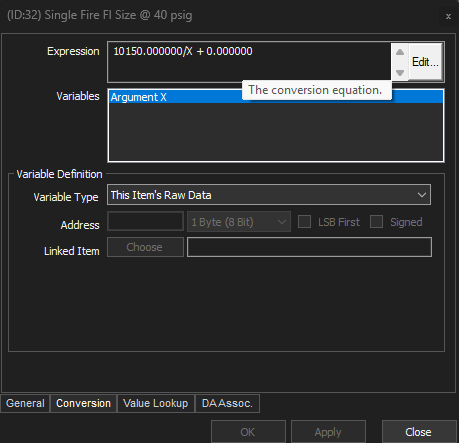
Flexible scaling/unit-conversion expressions for tables, scalars, and axes.
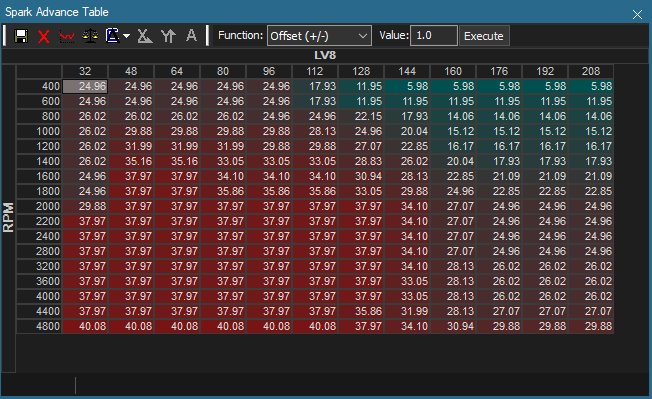
Table & item tools
Graphical table finder, item finder, and a scalar editor for quickly locating and adjusting values.
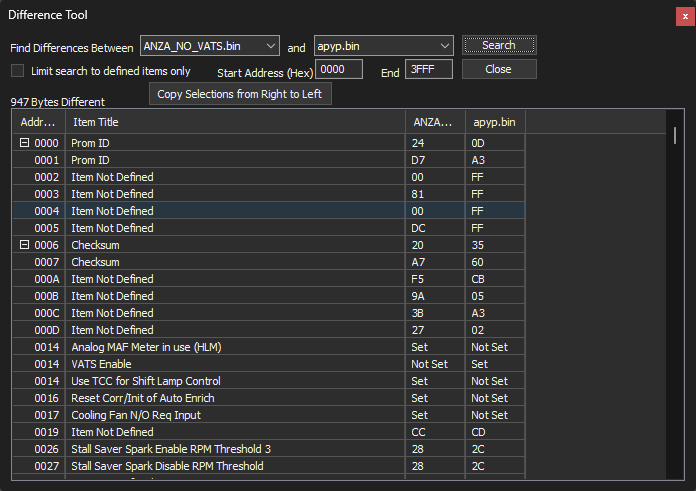
Bin comparison & diff
Stack multiple bins and step through a difference list to see exactly what changed.
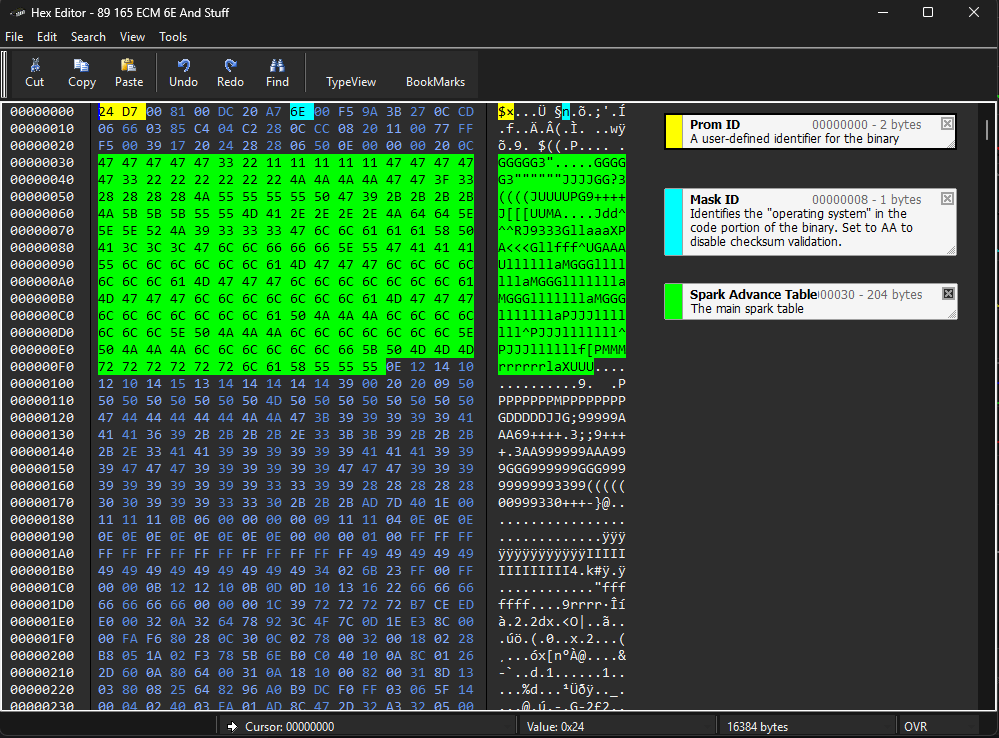
Hex editor & plug-ins
A built-in hex editor plus a plug-in architecture for datastream parsers and vehicle-specific tools.
Additional TunerPro RT features
TunerPro RT adds features needed to interact with a running vehicle in real time. Click any screenshot for a full-size view.
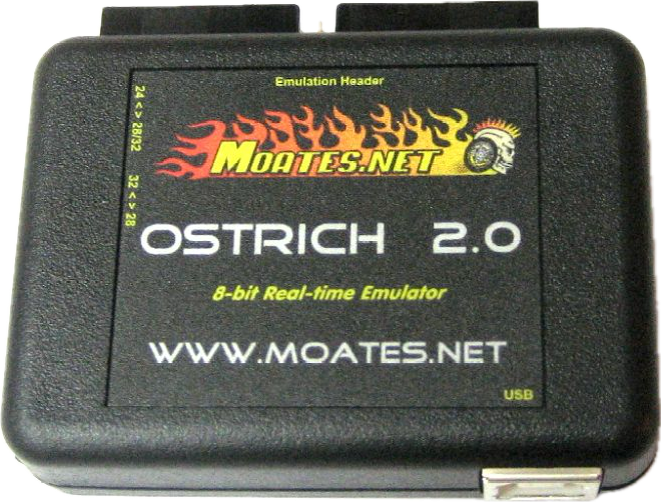
EPROM/EEPROM emulation
Emulate a chip live against supported hardware instead of burning and re-flashing for every change.
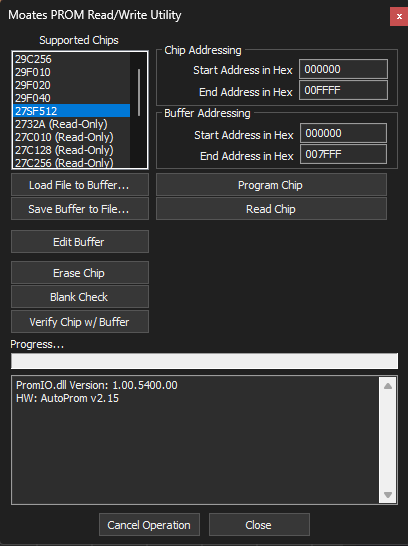
PROM burning
Burn calibrations to supported programmer hardware directly from TunerPro RT.
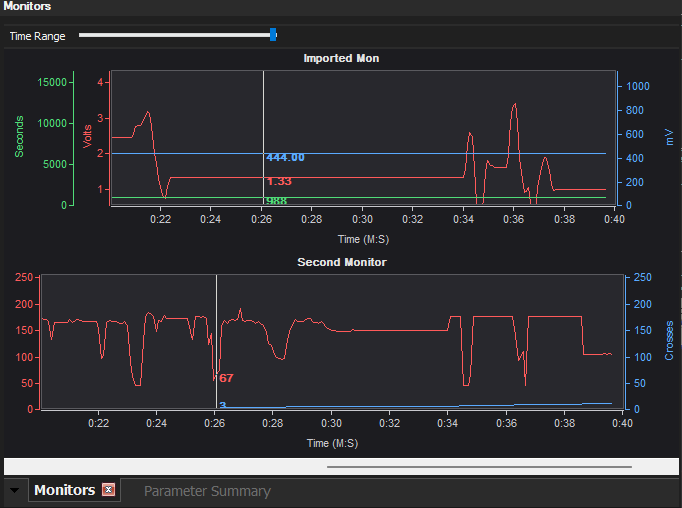
Real-time datalogging
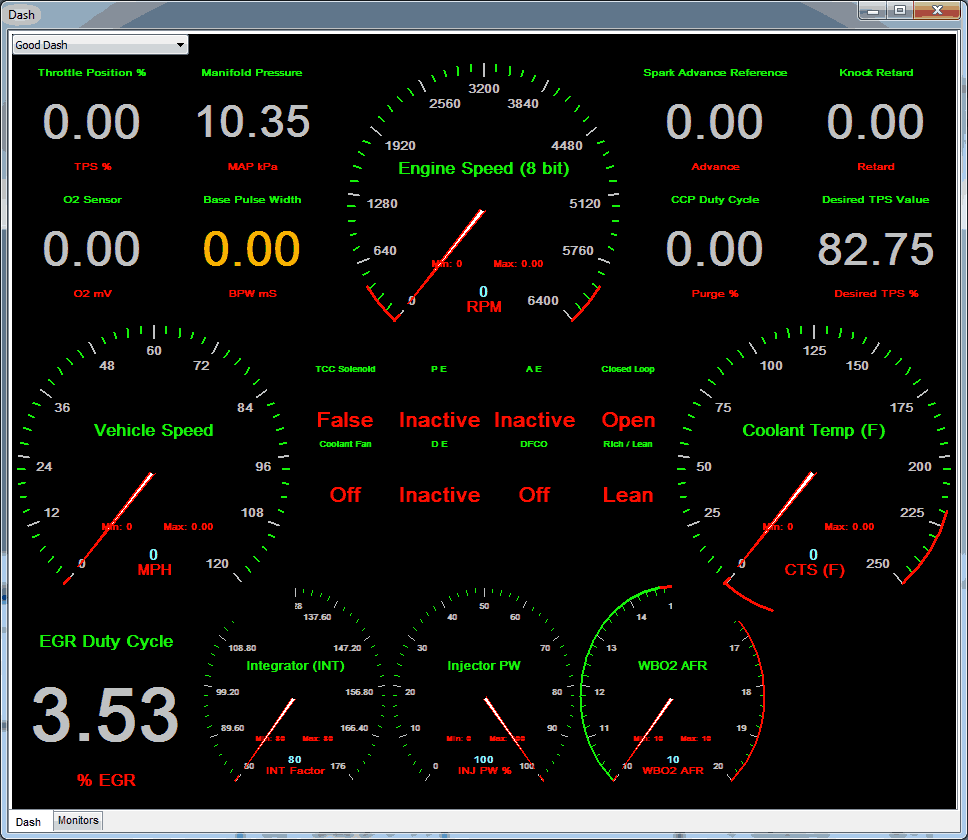
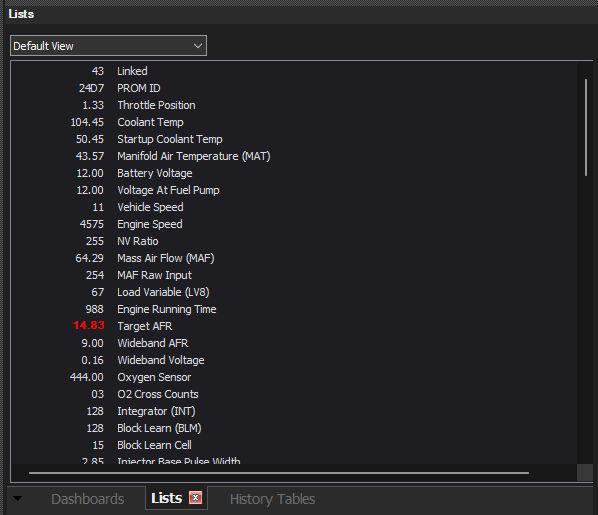
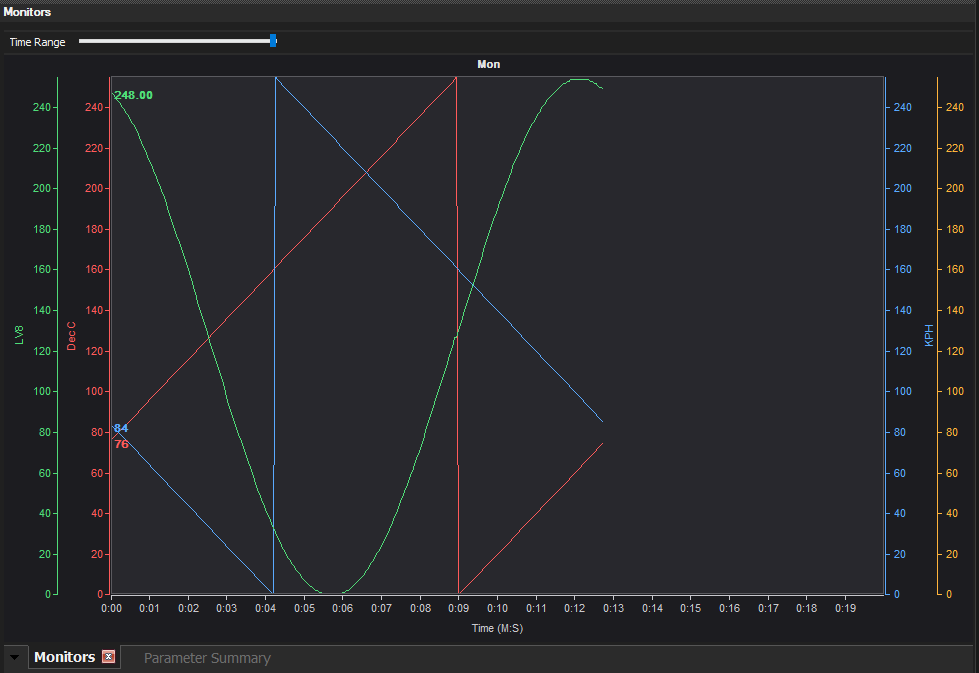
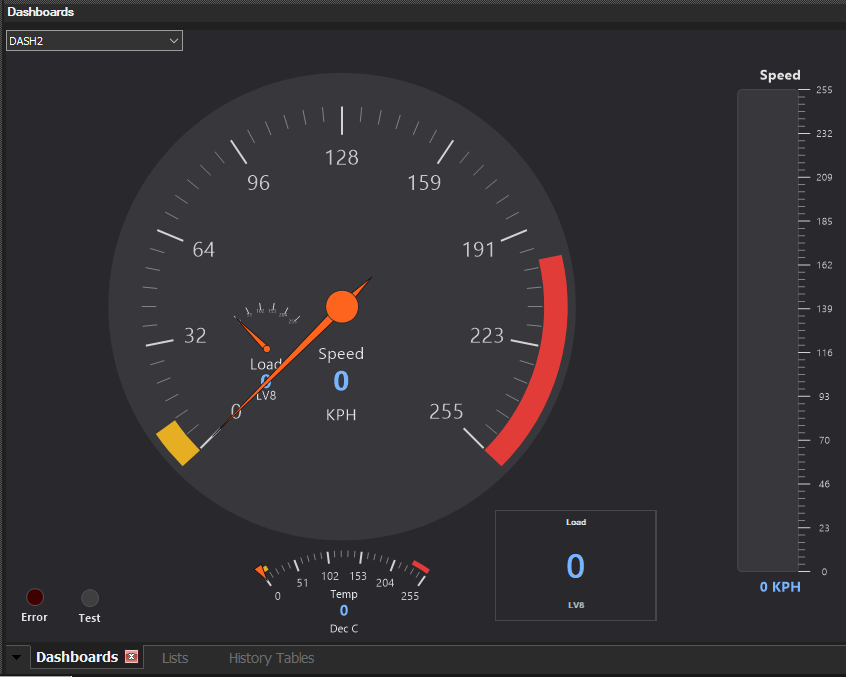
Log and monitor live ALDL/OBDII data with custom dashboards and gauges.
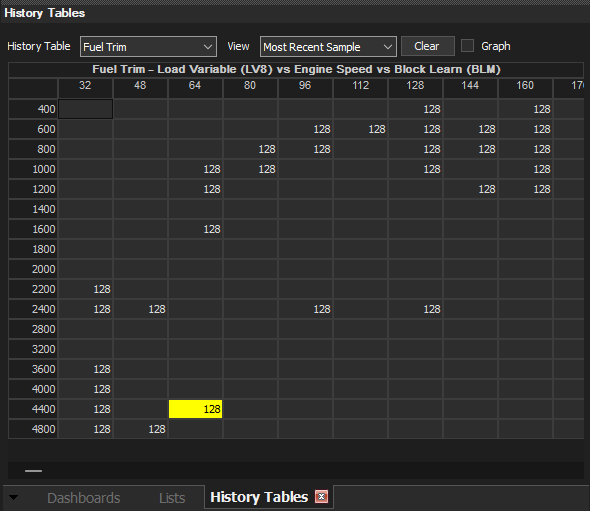
Histograms
Build histograms from logged data to see where the vehicle is actually operating.
Additional Screenshots
Click any screenshot for a full-size view.
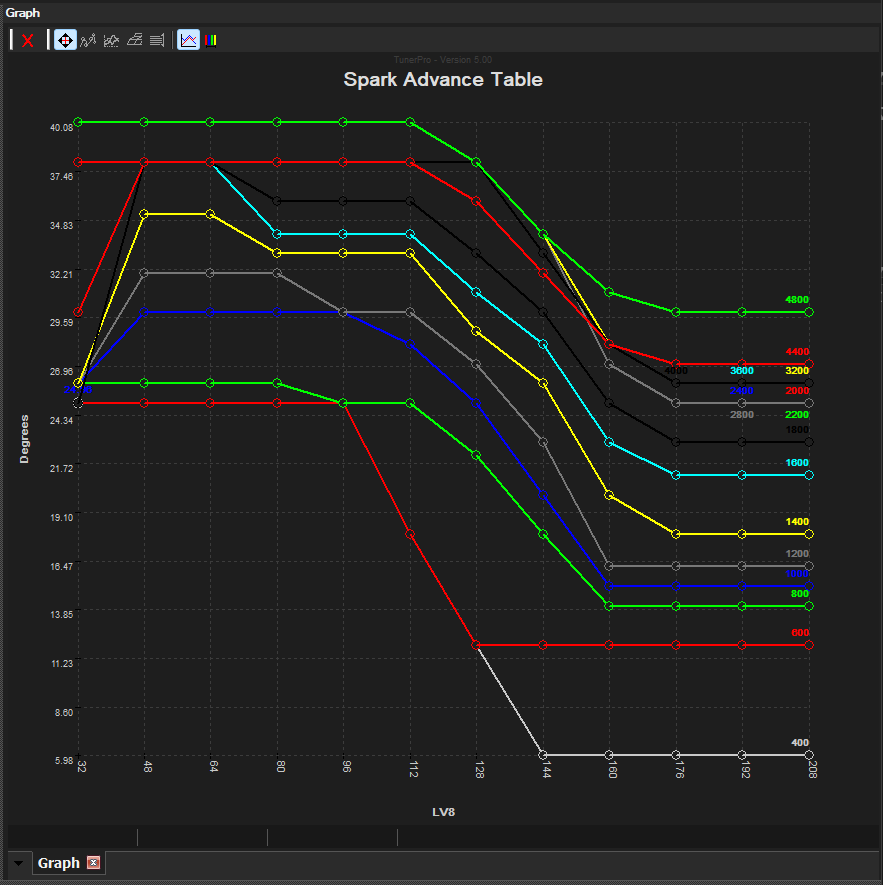
Supported hardware (RT)
TunerPro RT works with a range of third-party emulator, programmer, wideband O2, and ELM327 OBD interface hardware, including:
- ELM327-based OBD interfaces, including OBDLink MX+ and many others
- Moates Ostrich, AutoProm, Roadrunner, Quarterhorse, Demon, BURN1/BURN2, SuperLogger, and more
- CobraRTP
- Motiv Motorsport Reflex
- TCU TurboLamik
- Xtronics Romulator
- MAF Translator Pro
- Split Second datalogging hardware
- Common wideband O2 controllers including those from Innovate, Zeitronix, and TechEdge
- Many more via manufacturer-provided plug-ins
System requirements
- Windows 7 or later (32-bit or 64-bit)
- ~50 MB free disk space
- A definition (XDF) file matching your vehicle's ECU
- TunerPro RT only: a supported emulator for real-time tuning and/or an interface cable for logging features (see below)